
Technology insights that make business easier
Practical advice on dental technology, reliable IT support, cybersecurity and keeping your business running smoothly.
Useful answers, clear next steps
Guides for dental practices, businesses and home users. Choose a topic to narrow the list.
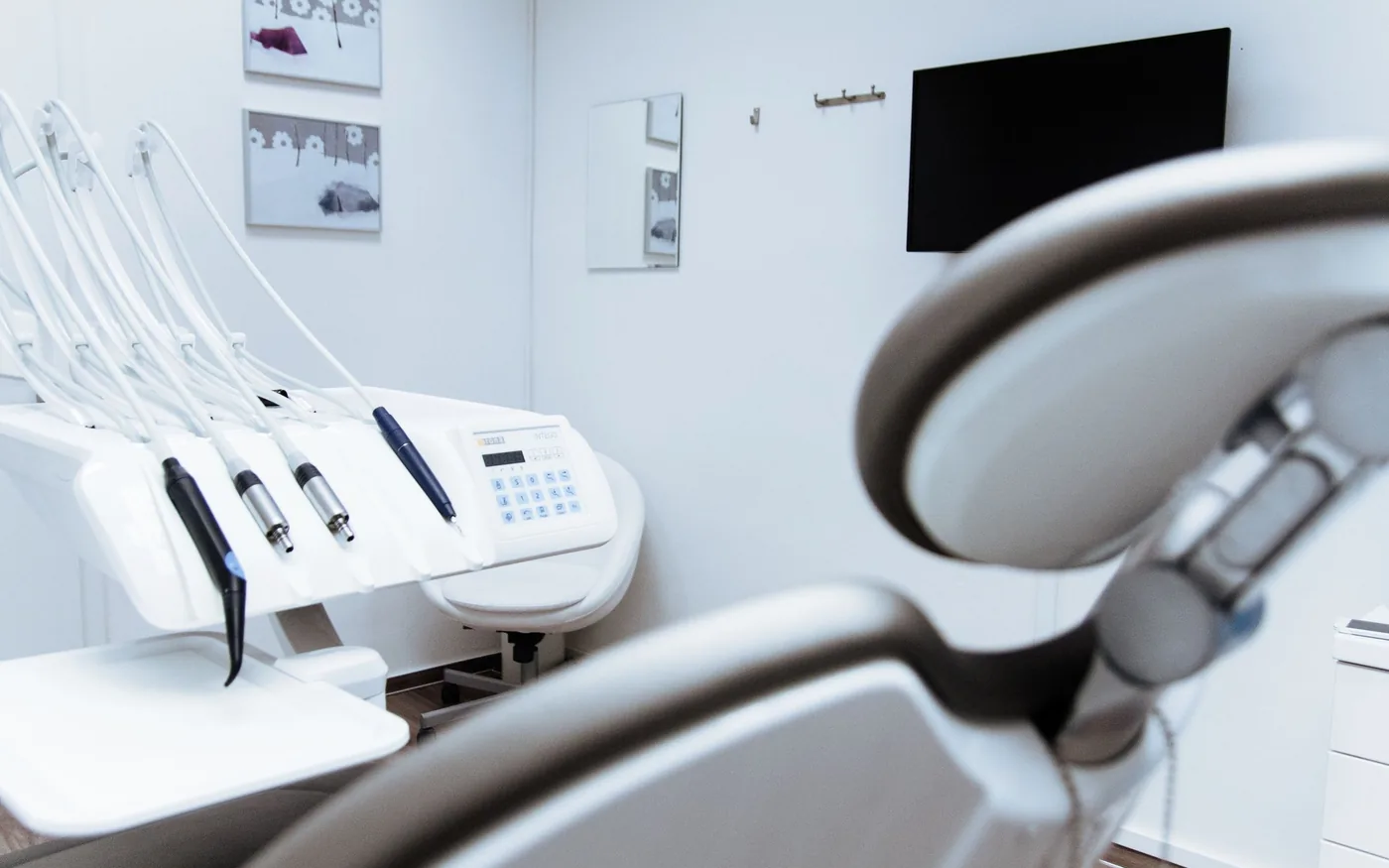 Dental ITOpening a Dental Office? Plan the IT Before the MoveAn opening-day technology checklist for dental practices covering cabling, Wi-Fi, imaging rooms, vendors, data migration and readiness tests.Read guide
 Business ITManaged IT vs. Break/Fix: Which Fits Your Business?Compare proactive managed IT and reactive break/fix support by downtime, monitoring, scope, budgeting and the needs of your business.Read guide
 CybersecuritySix Cybersecurity Habits Every Small Team Should BuildSix everyday cybersecurity habits for small businesses: MFA, password managers, phishing awareness, updates, least privilege and recoverable backups.Read guide
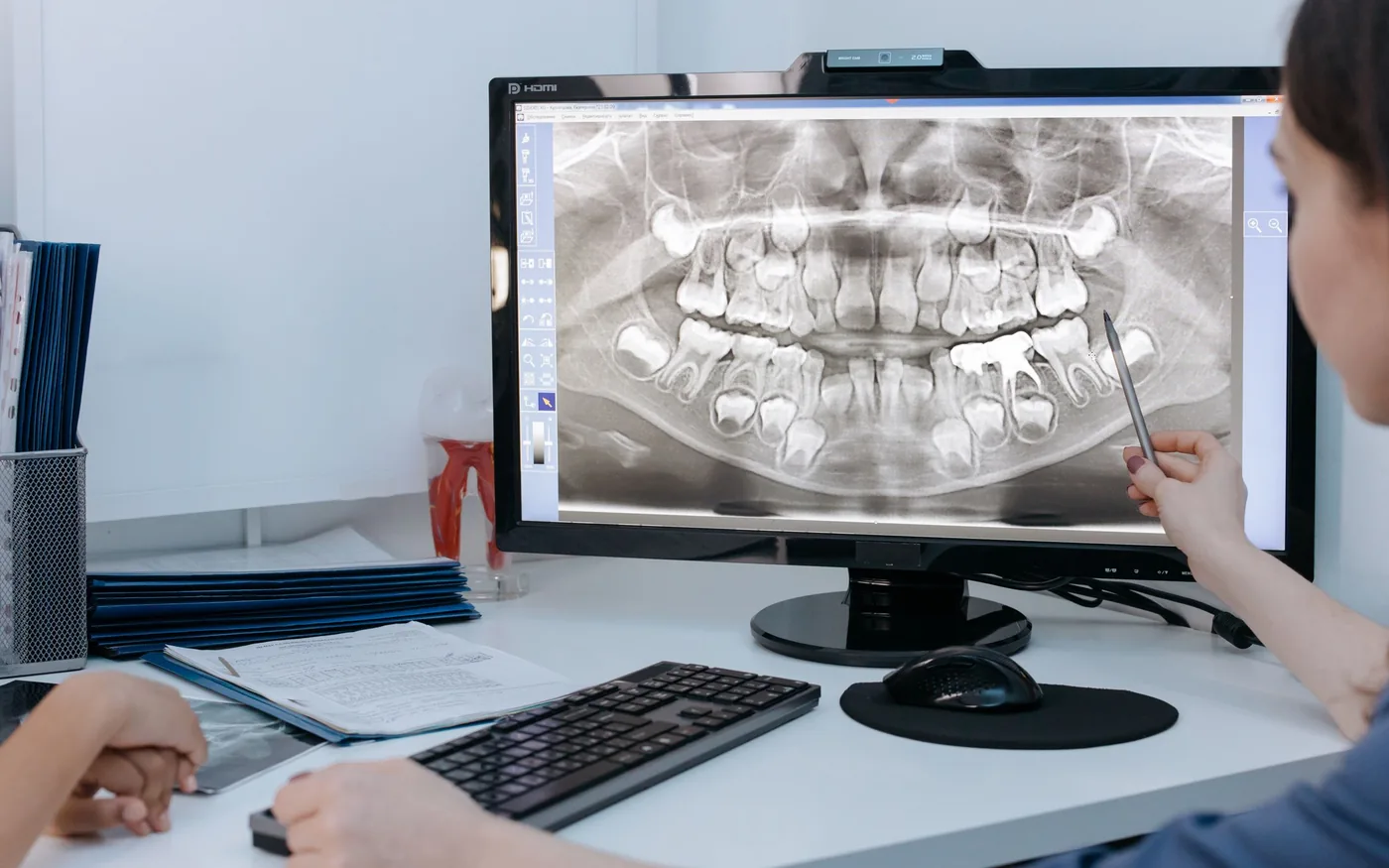 Dental ITDental Imaging Running Slowly? A Practical Troubleshooting ChecklistFind the cause of slow dental imaging without making risky changes to patient records.Read guide
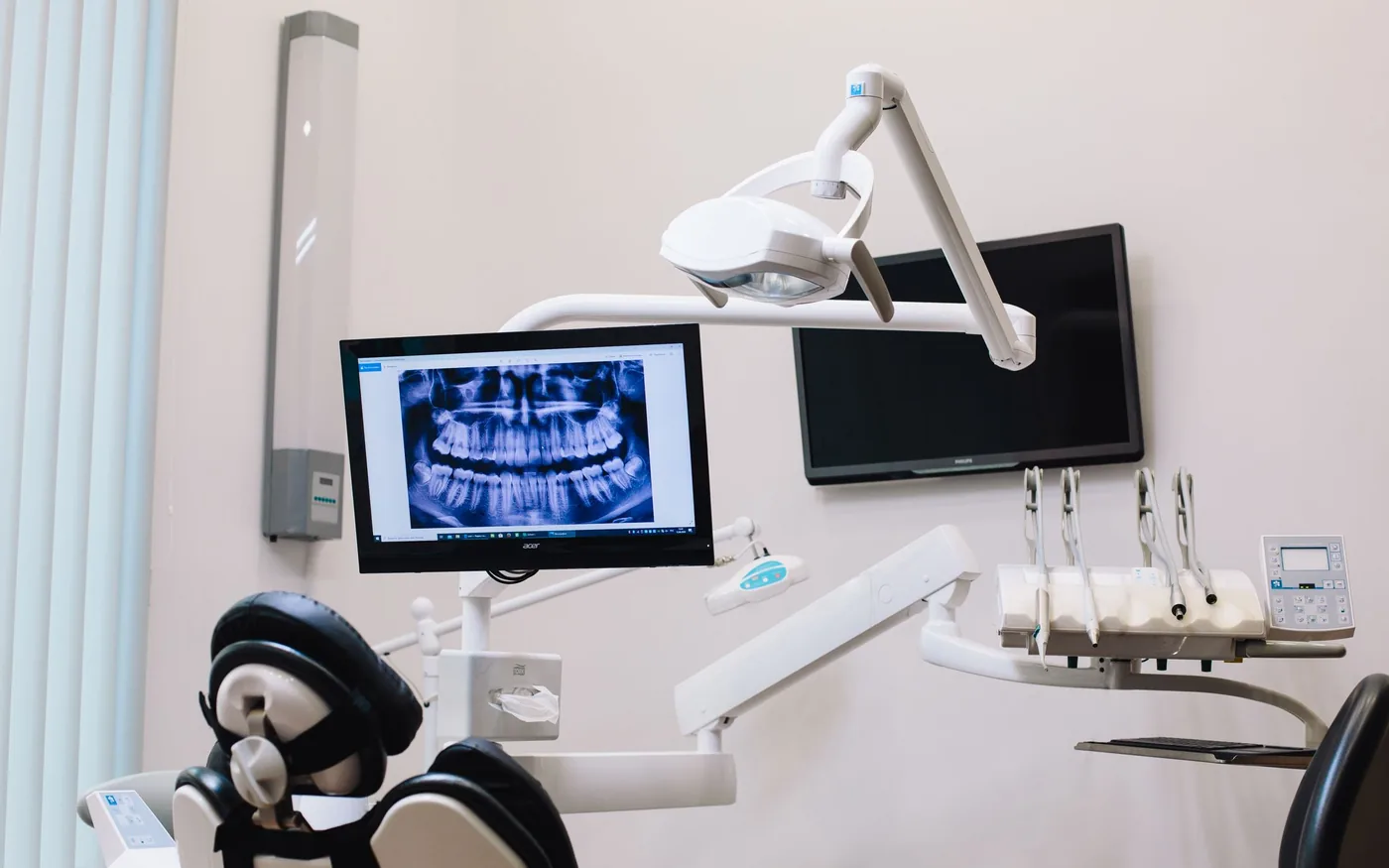 Dental ITDental Office Wi-Fi: Which Systems Should Use Wired Connections?Choose reliable connections for operatories, imaging, reception and guest devices.Read guide
 Dental ITPlanning a Dental Software Migration Without Disrupting AppointmentsPlan dental data conversion, imaging integrations, downtime and vendor sign-off.Read guide
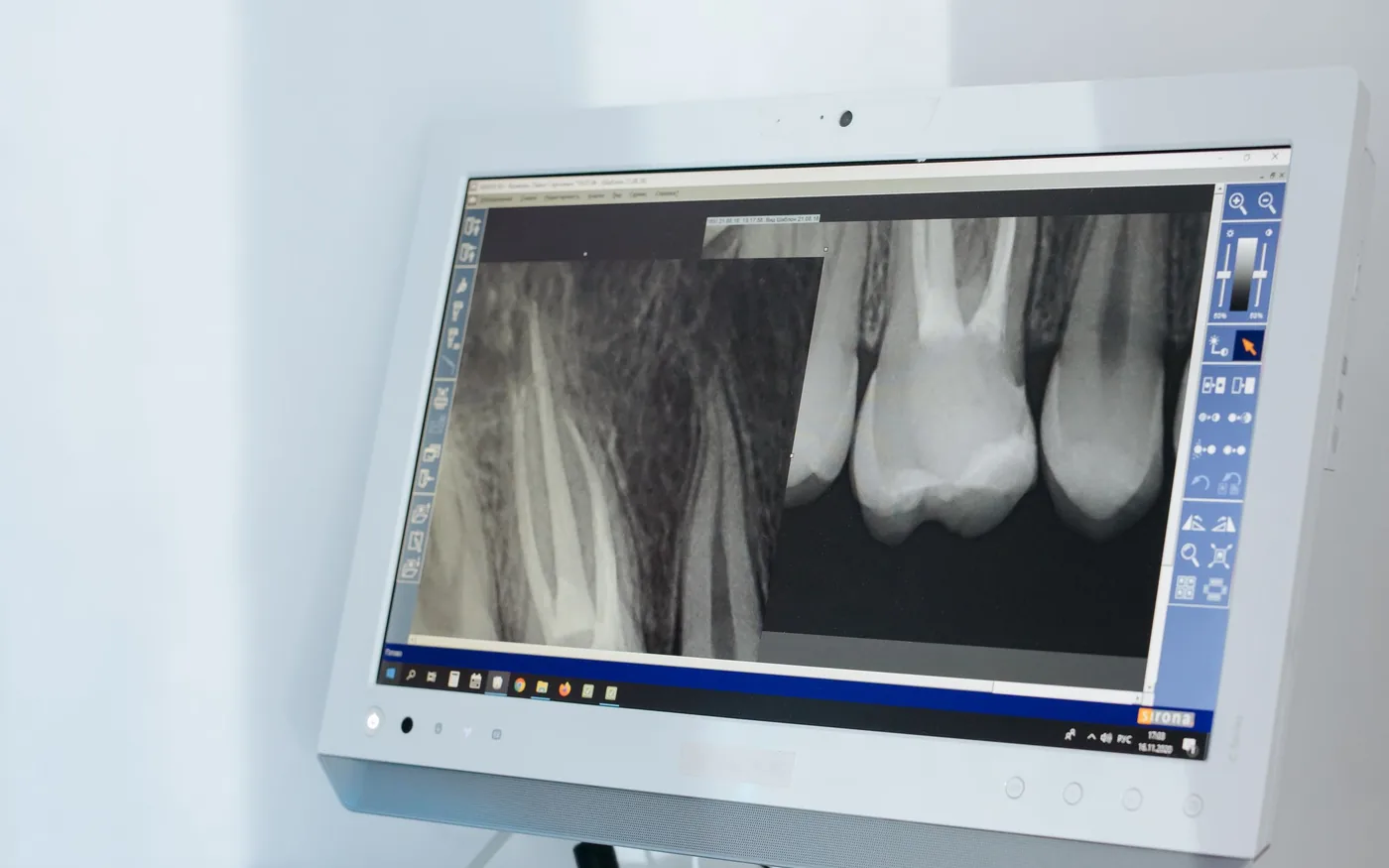 Dental ITProtecting Patient Information in Everyday Dental WorkflowsPractical staff habits, device protections and access controls for dental offices.Read guide
 Dental ITOpening a Second Dental Location? Plan Your IT Connections FirstPlan shared clinical systems and secure connectivity before opening another location.Read guide
 Dental ITPreparing Your Dental Practice for an IT OutageA clinical continuity checklist for outage triage, communication and safe restoration.Read guide
 Dental ITWhen Should a Dental Practice Replace Its Workstations?Decide when a dental computer is worth repairing or ready for replacement.Read guide
 Dental ITQuestions to Ask Before Switching Dental IT ProvidersEvaluate ownership, documentation, dental vendor coordination and continuity before changing IT partners.Read guide
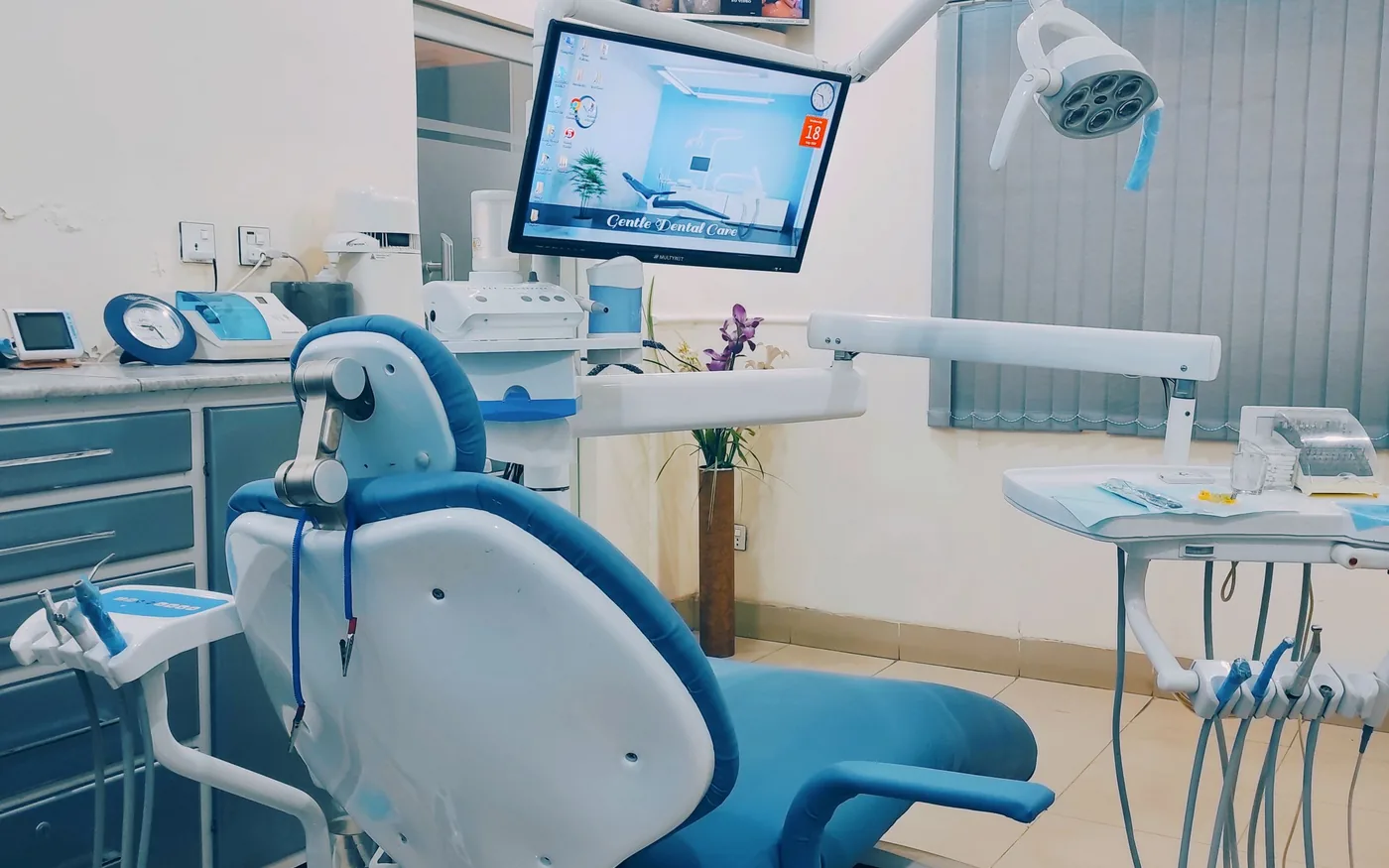 Dental ITHow to Prepare Your Dental Office for a Technology UpgradePlan a safe dental IT upgrade from inventory and vendor checks through a verified return to patient workflows.Read guide
 Business ITSeven Microsoft 365 Setup Checks for a Small BusinessReview MFA, roles, email protection and continuity basics for Microsoft 365 business accounts.Read guide
 Business ITWhat a Good Employee IT Onboarding Process Looks LikeA repeatable checklist for new hire accounts, computers, access and eventual offboarding.Read guide
 Business ITWhat Should a Business IT Support Agreement Actually Cover?Understand help desk response, monitoring, backups, scope limits and responsibilities before signing.Read guide
 Cybersecurity & BackupWhat Should Employees Do After Clicking a Suspicious Link?Clear first steps to report a suspected phishing click and protect business accounts.Read guide
 Cybersecurity & BackupA Practical Ransomware Recovery Checklist for Small BusinessesA measured incident response and recovery checklist that puts evidence and safe restoration first.Read guide
 PC & Mac RepairRepair or Replace Your Laptop? What to Consider Before SpendingA practical framework for laptop repair decisions based on reliability, parts, performance and data.Read guide
 PC & Mac RepairWarning Signs Your PC or Mac Needs a Professional DiagnosisRecognize serious PC and Mac symptoms before a minor issue becomes a data emergency.Read guide
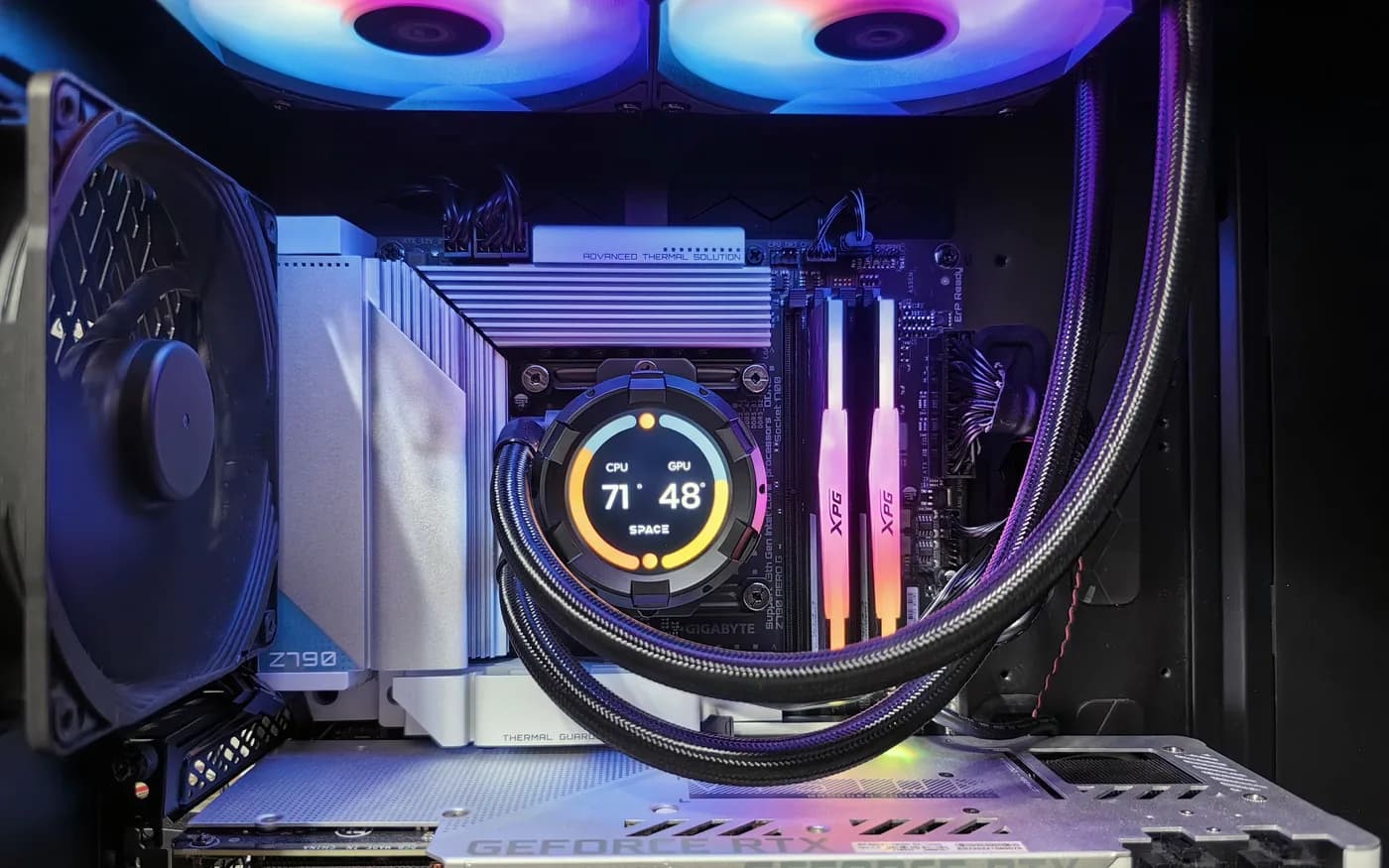 Custom PC BuildsChoosing the Right Components for a Professional WorkstationChoose workstation CPU, RAM, GPU, storage and cooling by actual software requirements.Read guide
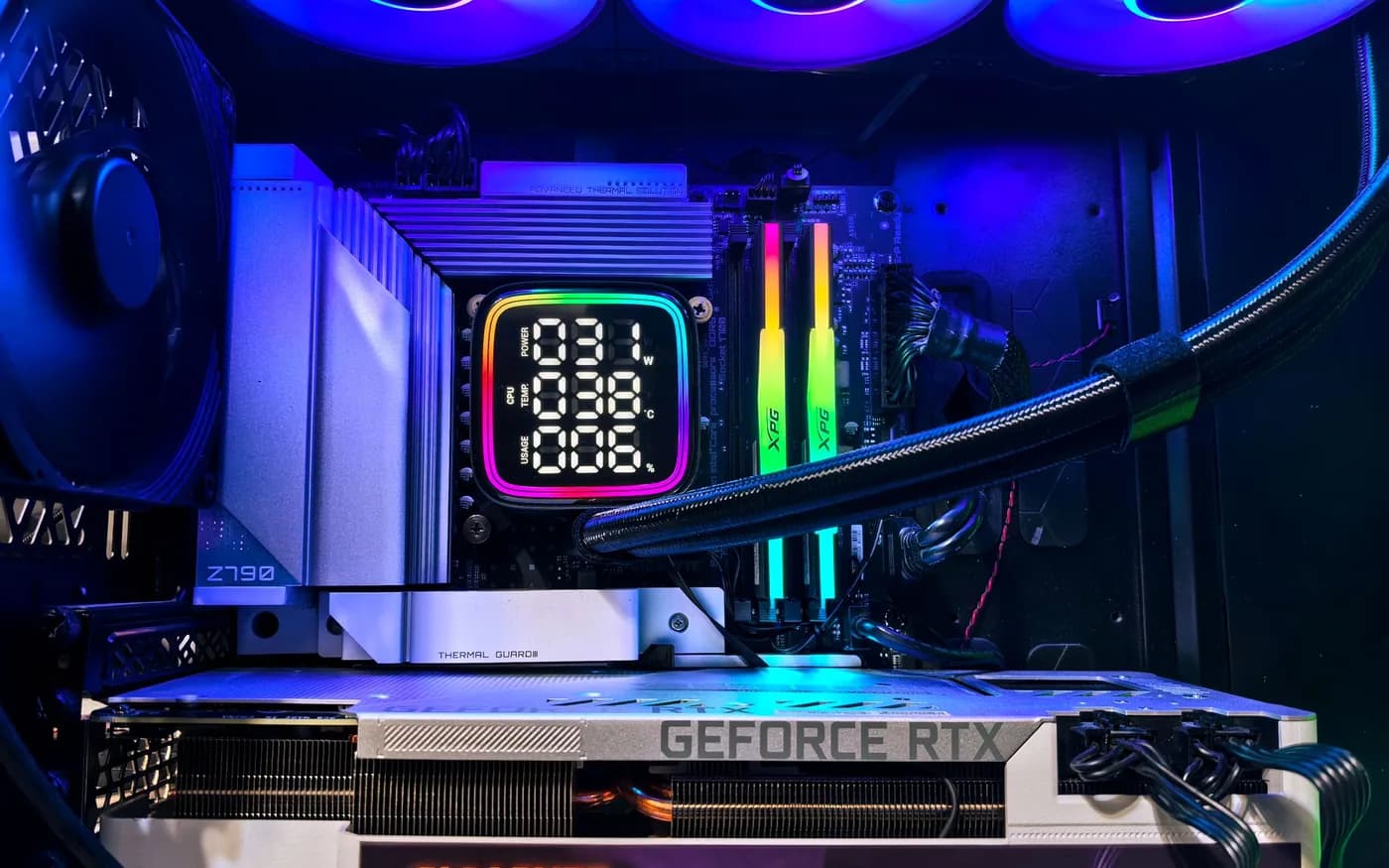 Custom PC BuildsPlanning a Custom Gaming PC: What Matters Beyond RGB Lighting?Build a balanced gaming PC around resolution, frame rates, cooling, compatibility and upgrade goals.Read guide
 PC & Mac RepairMacBook Won't Turn On? What to Check Before You Bring It InA dark MacBook is not always a dead logic board. Simple power, charger and startup checks to try first, and the signs that mean it is time for a diagnosis.Read guide