A new employee may arrive with a role, a desk and meetings already scheduled, but no account or computer that works. Last-minute setup encourages password sharing and broad access. A reliable onboarding process begins with an authorized request, a prepared device and a clear picture of the person's actual work.
Get the request and approval in writing
Record the employee's name, start date, department, manager, work location and required applications. Ask the manager to approve requested access rather than copying permissions from the last employee automatically. Note external collaborators and vendors separately. A short standard form avoids multiple urgent messages on the first morning.
Prepare identity and authentication
Create a unique account, appropriate role-based groups and a supported MFA registration plan. Provide secure activation instructions and a recovery path. Avoid assigning administrator privileges out of convenience. Confirm that the employee understands whom to contact after unexpected sign-in prompts or suspected account compromise.
Stage the device and applications
Check operating-system support, encryption, endpoint protection, updates, backup applicability and required applications before delivery. Test sign-in, printers, Wi-Fi or VPN, conferencing and access to work files. Record asset ownership and warranty details. Separate local administrator credentials from the employee's daily account where possible.
Review information sharing
Grant the minimum files, mailboxes and collaboration spaces the person needs, then expand based on approved job duties. Guest access and shared inboxes deserve explicit ownership. A new hire may need customer information but not administrative access to every shared folder. Test normal work with the employee rather than assuming permissions were correct.
Make the first day useful
Have a short checklist for employee sign-off: account access, phone or softphone, communication tools, critical business application, printing and support contact. Give the employee security reporting instructions and any acceptable-use guidance. A simple orientation prevents avoidable requests to coworkers for shared passwords or unapproved workarounds.
Design offboarding at the same time
Keep a record of connected services and devices so departures can be handled promptly. Follow authorized HR timing for disabling sessions, transferring approved business data, recovering devices and removing access from third-party tools. Retention and legal-hold decisions belong with business leadership. Reviewing both onboarding and offboarding makes the process safer and easier to repeat.
Review access after the first working week
The first-day checklist does not tell you whether an employee still lacks a critical app or has more access than their job requires. Ask the manager and employee to confirm the tools actually used, then adjust groups and permissions through the authorized process. Record approvals, not passwords, in the onboarding ticket.
Maintain the same application inventory for departure. It should identify business data, hardware, cloud subscriptions and external collaboration accounts that need review. Coordinate timing with HR and relevant retention obligations, then confirm device return and the removal of access. A reversible, documented workflow reduces confusion for managers and technicians.
For guidance specific to your systems, business it and managed support .
Further reading from trusted sources
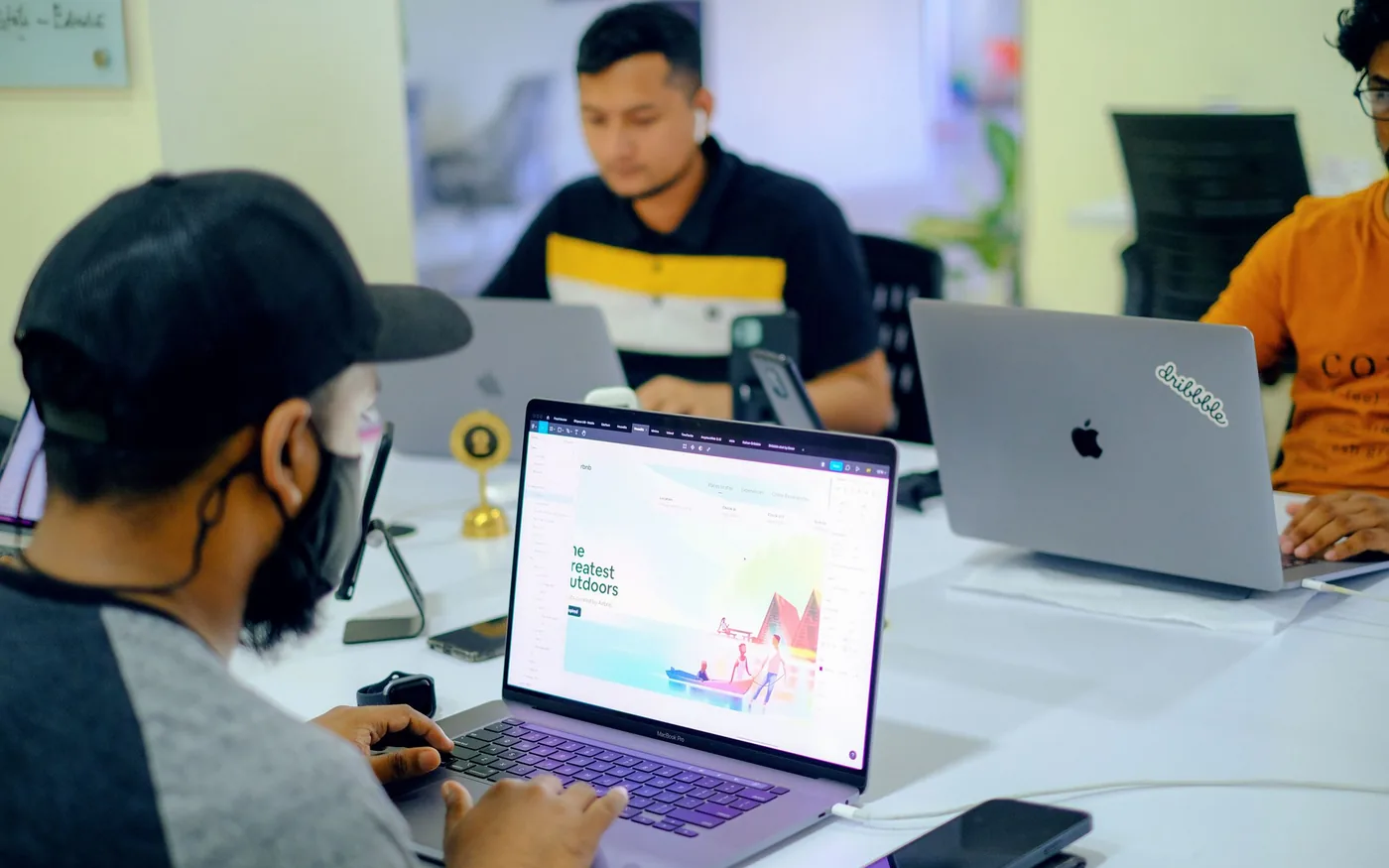
Illustrative photography by Artem Podrez on Pexels . Images do not depict Arbor Computers clients or employees.