A dental office can have good computers and still lose hours to an imaging bridge that stops responding, a printer that goes offline, or a server nobody knows how to restore. The right IT partner looks beyond individual tickets. They learn how the practice works and help keep the systems behind patient care dependable.
Start with the patient visit, not a list of gadgets
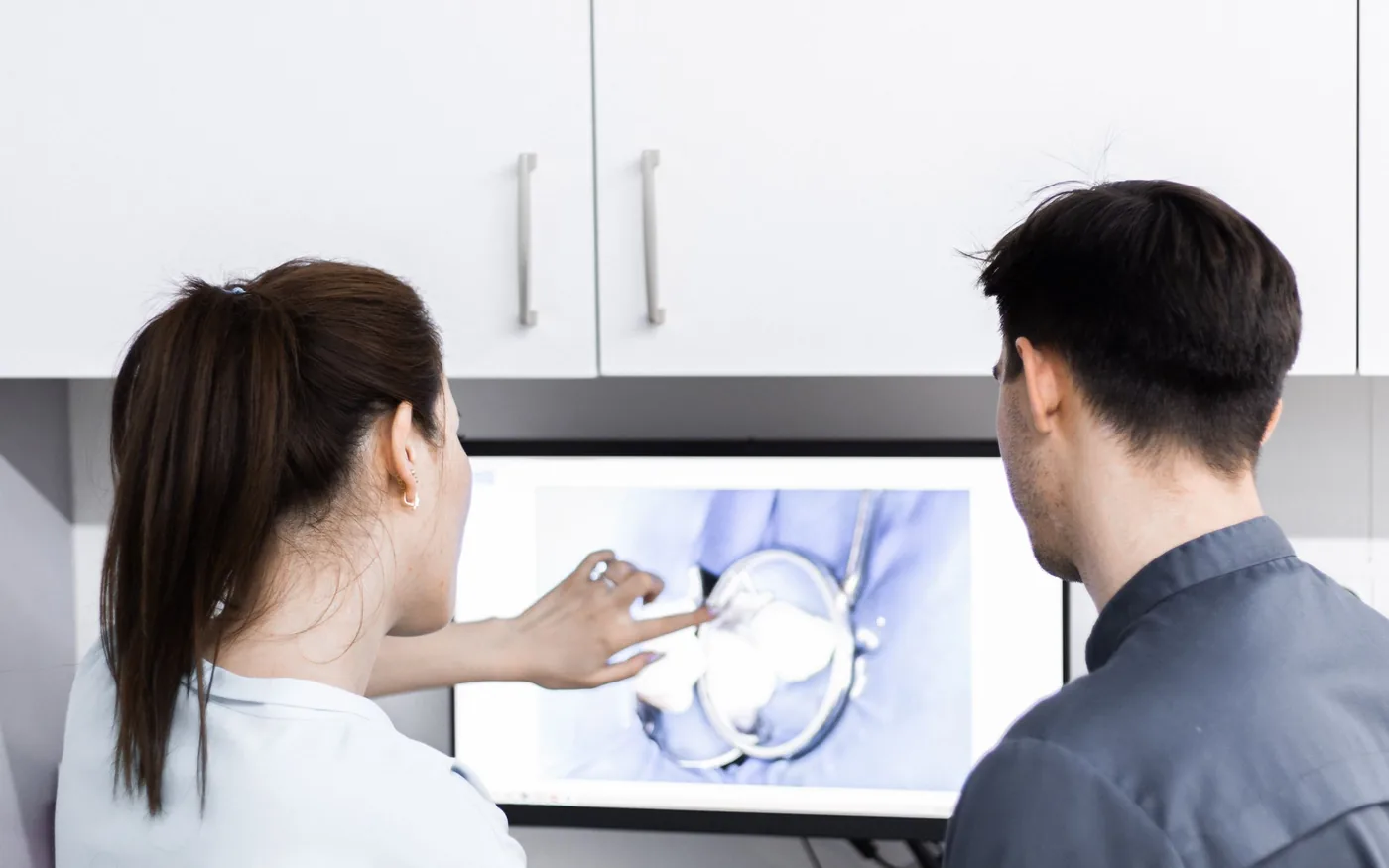
Before discussing equipment, a useful IT provider should ask how information moves through your practice. Where does the front desk schedule patients? How do treatment rooms open charts? Which computers capture X-rays, and where are those images stored? The answers reveal which interruptions would cause real operational trouble.
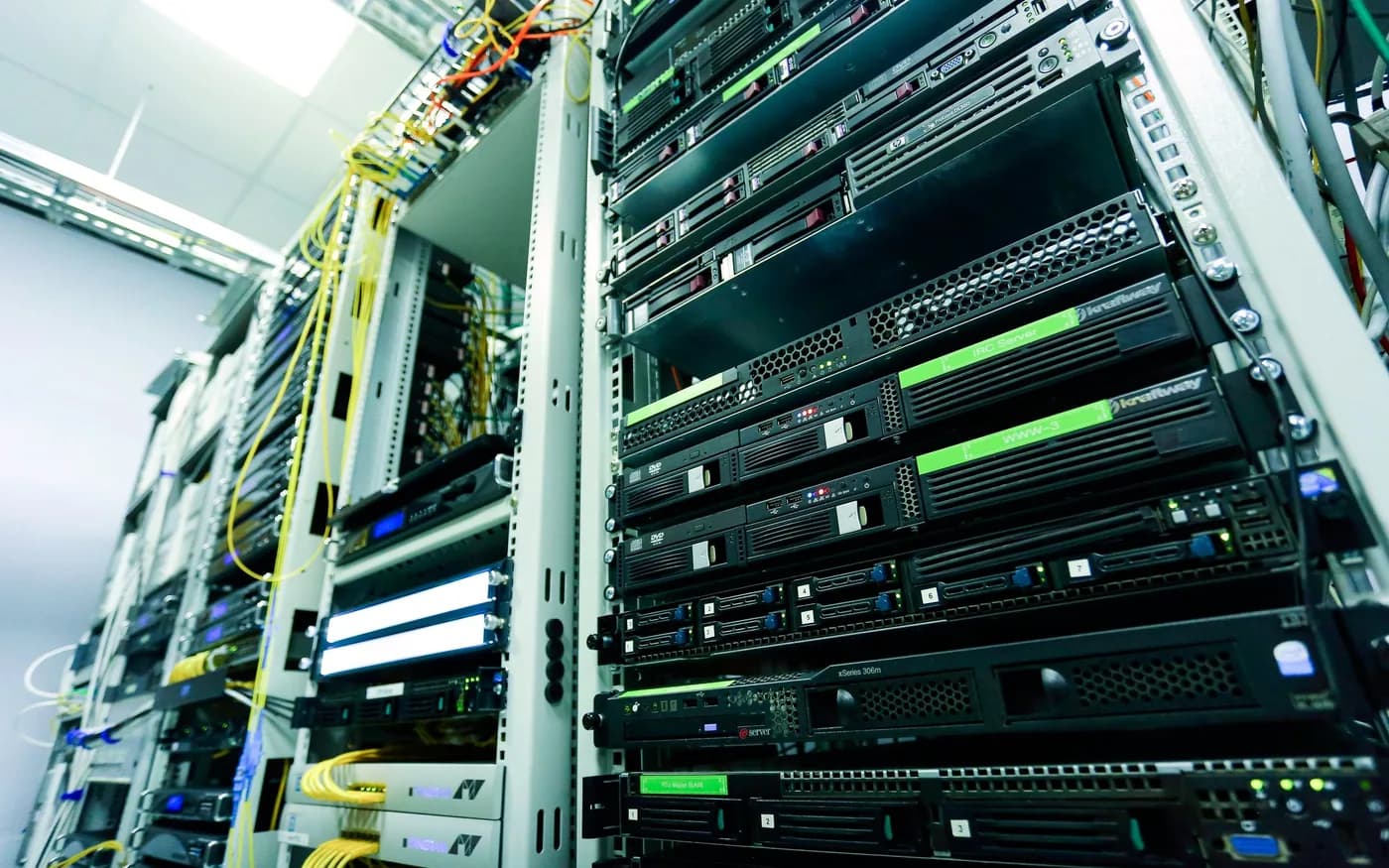
Ask the provider to document the current setup: workstations, switches, Wi-Fi, servers, shared folders, cloud services and vendors. A simple network map and a list of critical applications make it easier to solve problems quickly and to plan upgrades without guesswork.
- Identify who owns each critical system and who should be called when it fails.
- Keep a usable inventory of computers, software licenses and network equipment.
- Agree on how urgent issues reach support during patient hours.
Know dental software and imaging dependencies
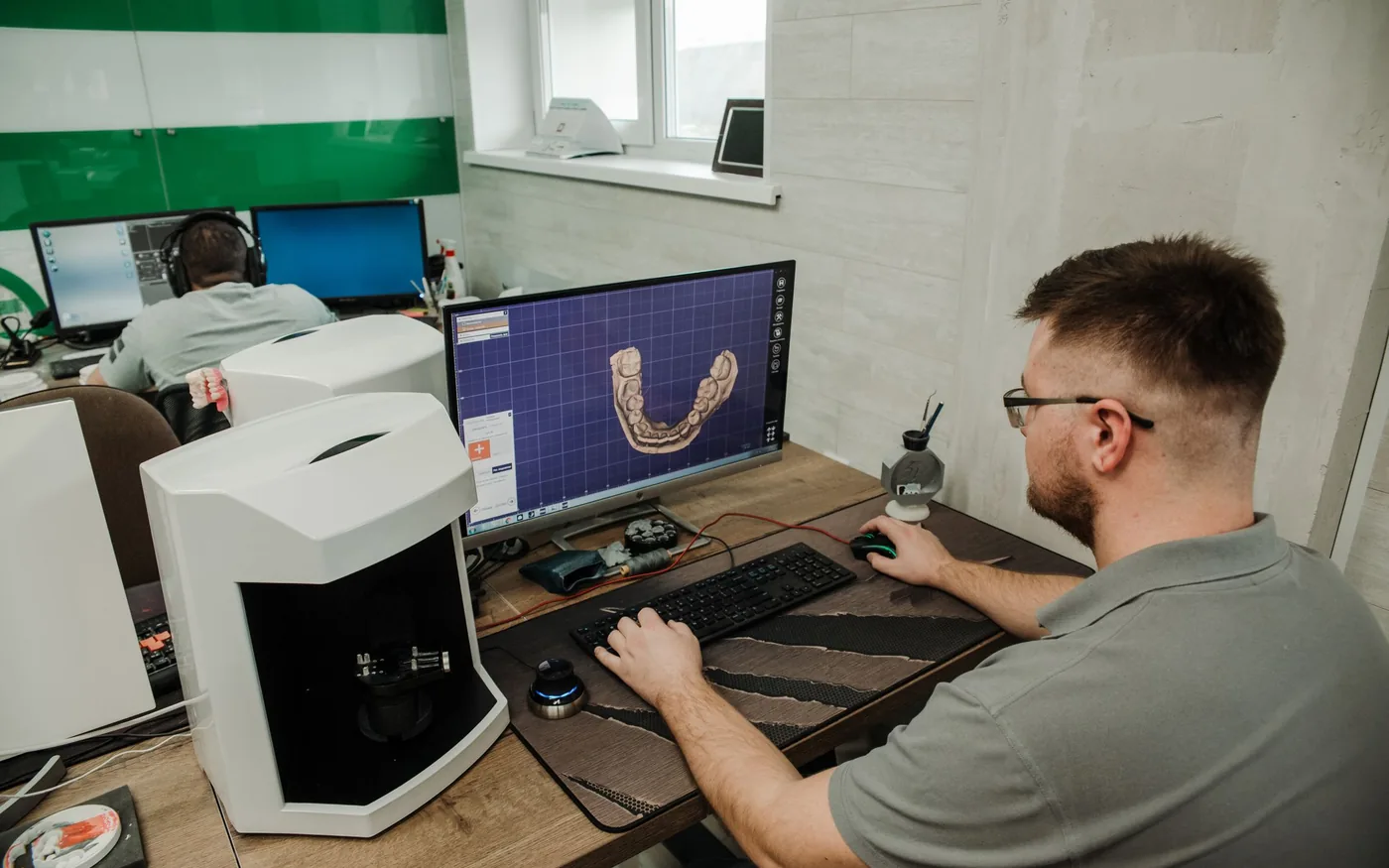
Dental practice-management and imaging applications seldom operate alone. A workstation may connect to a database, an acquisition device, an imaging server and a vendor-specific bridge. A routine Windows update, a changed network name or a permissions problem can affect one link in that chain.
You do not need one company to manufacture every product. You need an IT partner who is comfortable coordinating with your dental software and equipment vendors, following supported configuration guidance and documenting what changed. They should be able to say when a problem belongs to the device vendor rather than experimenting with patient data.
Treat operatory and front-desk computers differently
The front desk relies on scheduling, phones, billing and documents. An operatory may need imaging sensors, specialty applications and a predictable startup routine. A one-size-fits-all computer image can miss those distinctions.
Ask how replacement devices will be prepared, who confirms connected equipment after a repair, and whether any required application installer or configuration is securely available. For shared computers, staff access should be appropriate to the job; convenience should not mean everyone uses the same administrator account.
Plan network reliability around actual workflows
A modern practice needs reliable wired connections for important equipment, sensible Wi-Fi for approved mobile devices and separation between business and guest traffic. Strong wireless signal is useful, but it does not compensate for a failing switch, overloaded internet connection or an undocumented network change.
Good support includes troubleshooting recurring drops, checking coverage where work happens and knowing what still functions if the internet goes down. Ask whether the provider can explain the tradeoffs between local and cloud-dependent applications in plain language.
Make security and recovery testable
Protecting electronic patient information requires more than installing antivirus. Discuss multifactor authentication where available, regular updates, access permissions, account removal when staff leave, and how suspicious messages are reported. Dental practices must evaluate their own HIPAA obligations; hiring an IT vendor alone does not make a practice compliant.
Backup conversations should answer two separate questions: what information is copied, and how would the office restore the systems needed to work again? Ask for a written recovery priority list and evidence that sample restores have been tested. A dashboard showing green backup jobs is helpful, but it cannot prove the entire practice can recover.
Seven questions worth asking before you sign
A clear proposal should identify what is included, what is billed separately, who holds administrative access and how the relationship ends if you change providers. Look for explanations rather than guarantees of perfect uptime or absolute security.
- What happens when an imaging workstation fails during appointments?
- Who contacts the dental software, sensor or equipment manufacturer?
- Which devices and cloud services are included in routine monitoring?
- How are backups checked and recoveries practiced?
- How are admin credentials, documentation and ownership transferred?
- What happens after hours, and what requires an extra visit?
- How will we measure whether recurring interruptions are decreasing?
The goal is a practice that can keep working
The strongest dental IT relationship is not the one with the most complicated tool list. It is the one that understands the office's priorities, communicates clearly, respects sensitive information and helps your team solve the same problem less often. Start by walking through one patient visit and one realistic outage scenario with a prospective provider. Their questions will tell you a great deal.
For guidance specific to your systems, see arbor computers' dental it services .
Further reading from trusted sources
Illustrative photography by Ivan Babydov on Pexels . Images do not depict Arbor Computers clients or employees.