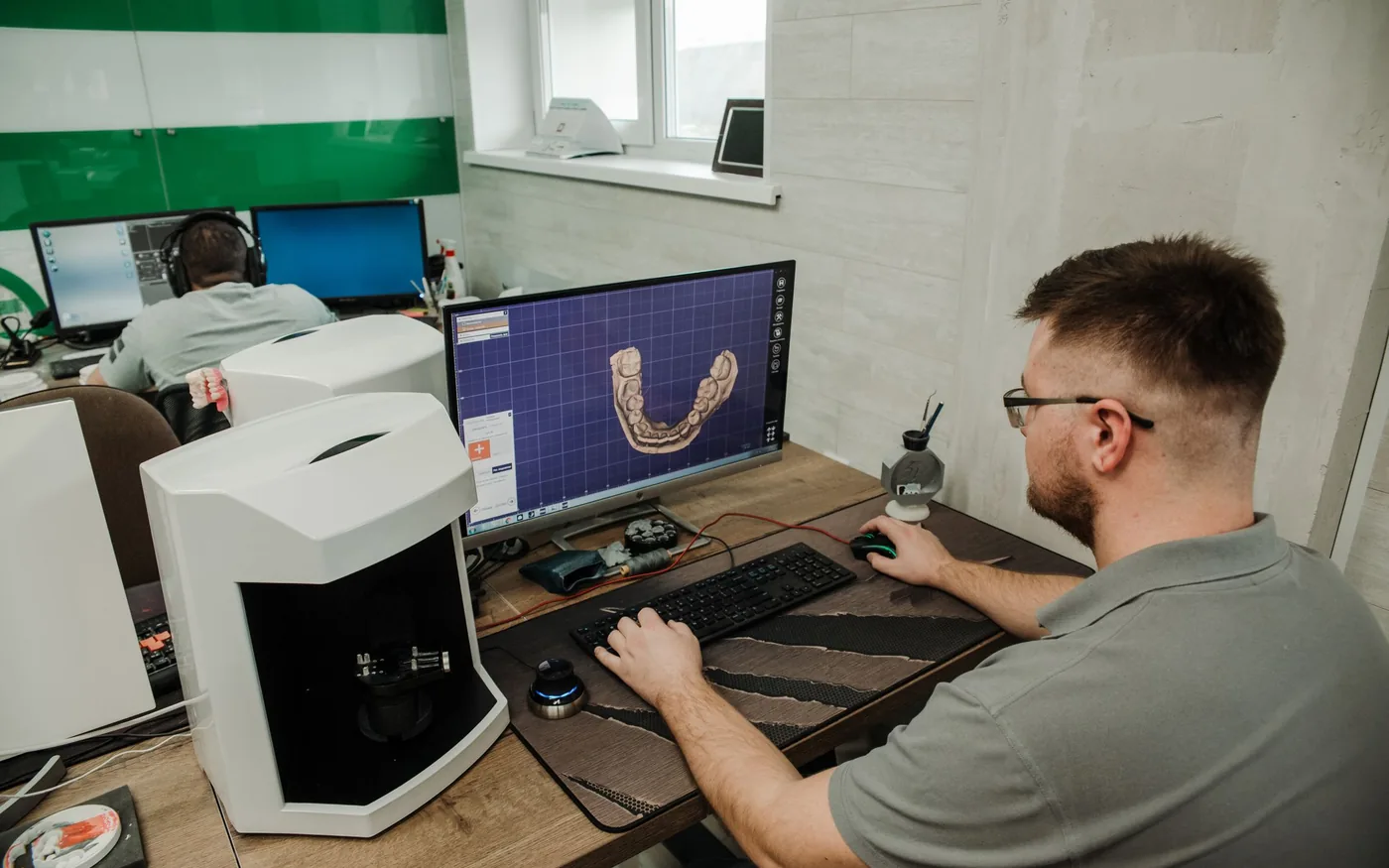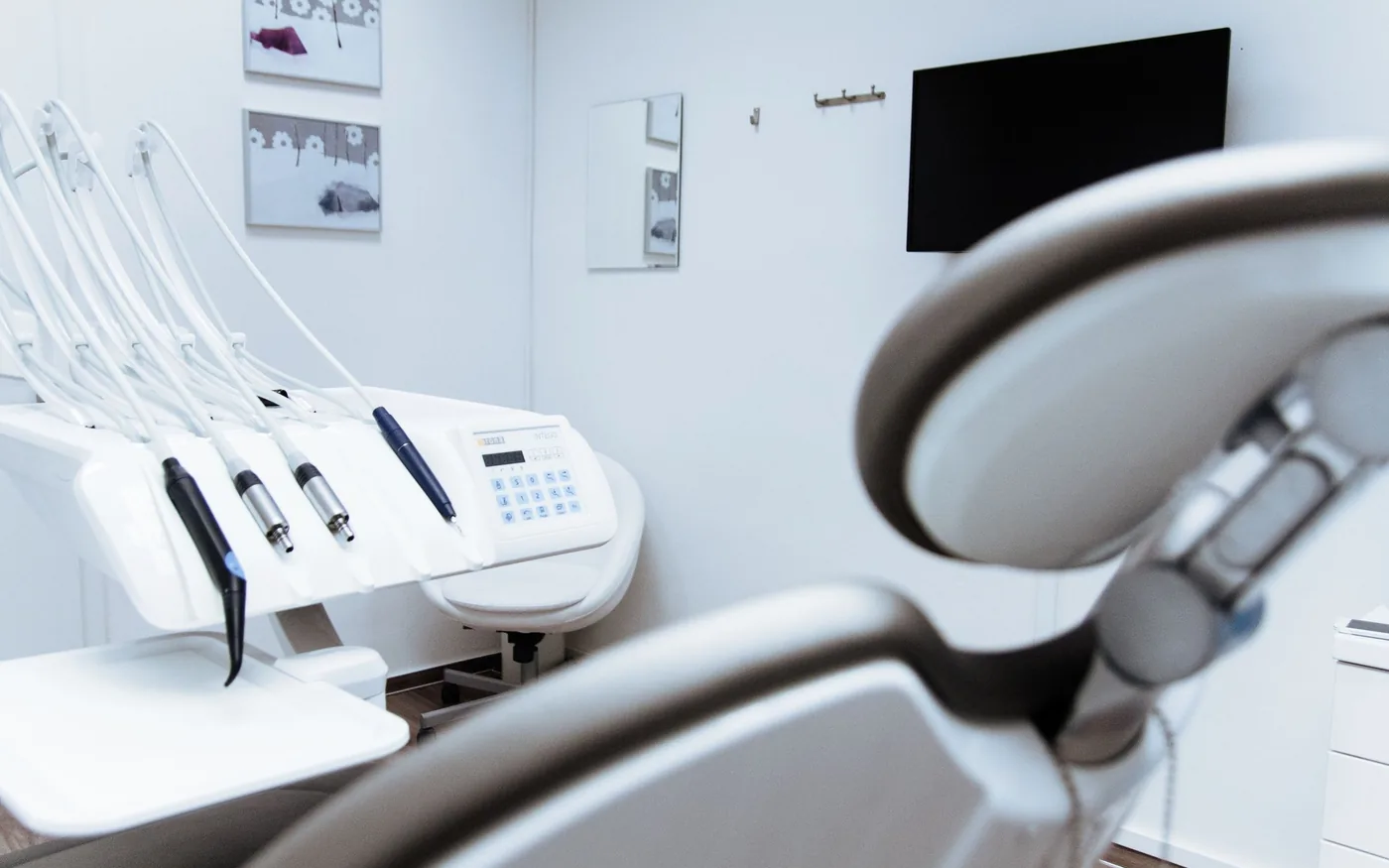
A new dental office has many visible milestones: the lease, cabinetry, dental chairs and signage. Technology is easier to overlook because the most important parts disappear into walls, ceilings and equipment connections. Planning it early can prevent expensive last-minute changes and a stressful first week.
Map the work before the walls close
Start with a room-by-room drawing. Mark the front desk, operatories, consultation spaces, imaging locations, private offices, phone stations, printers and any networked equipment. Ask the equipment and software vendors which connections, power requirements and supported operating systems each device needs.
A cable drop installed now is often simpler than one added after finishes are complete. Leave room for sensible growth, label both ends of every connection and keep the documentation with the office's other building information. Coordinate planned network locations with building trades so equipment does not end up above an inaccessible ceiling panel.
- Confirm equipment locations before low-voltage cabling begins.
- Document cable labels, switch locations and power/UPS needs.
- Check internet service availability and activation dates early.
Design for the clinical workflow
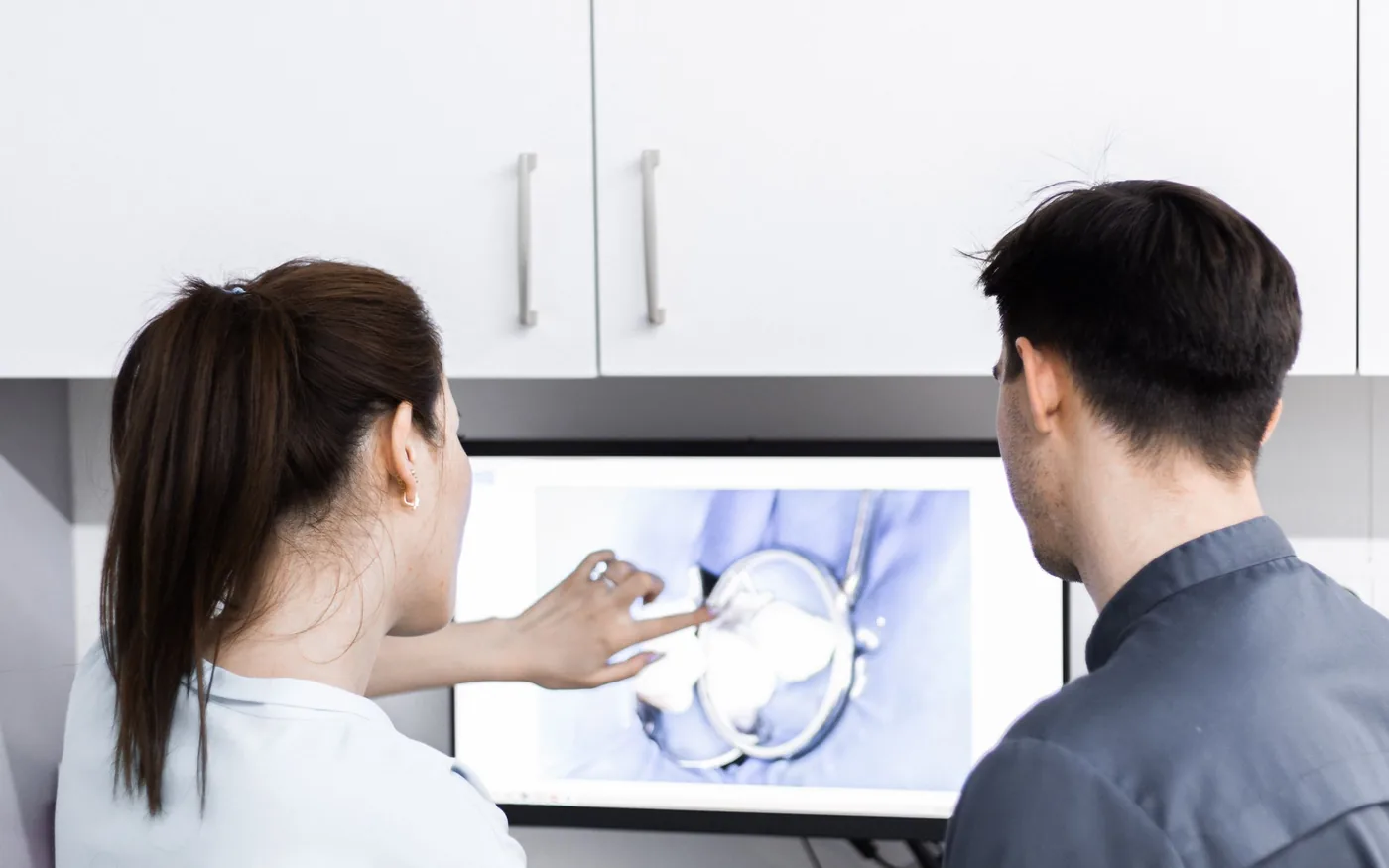
An imaging workstation should be planned around the actual sensor, acquisition software, display and location where images need to appear. A front-desk computer may have different requirements for payment peripherals, label printing, phones and scheduling. Ask your vendors for written compatibility requirements before purchasing identical computers for every room.
Test a representative setup when possible. A system that technically powers on is not necessarily ready to capture and open images in the correct practice software. Coordinate installation order so the network and workstations are usable before imaging and practice-management vendors arrive.
Give networking a predictable home
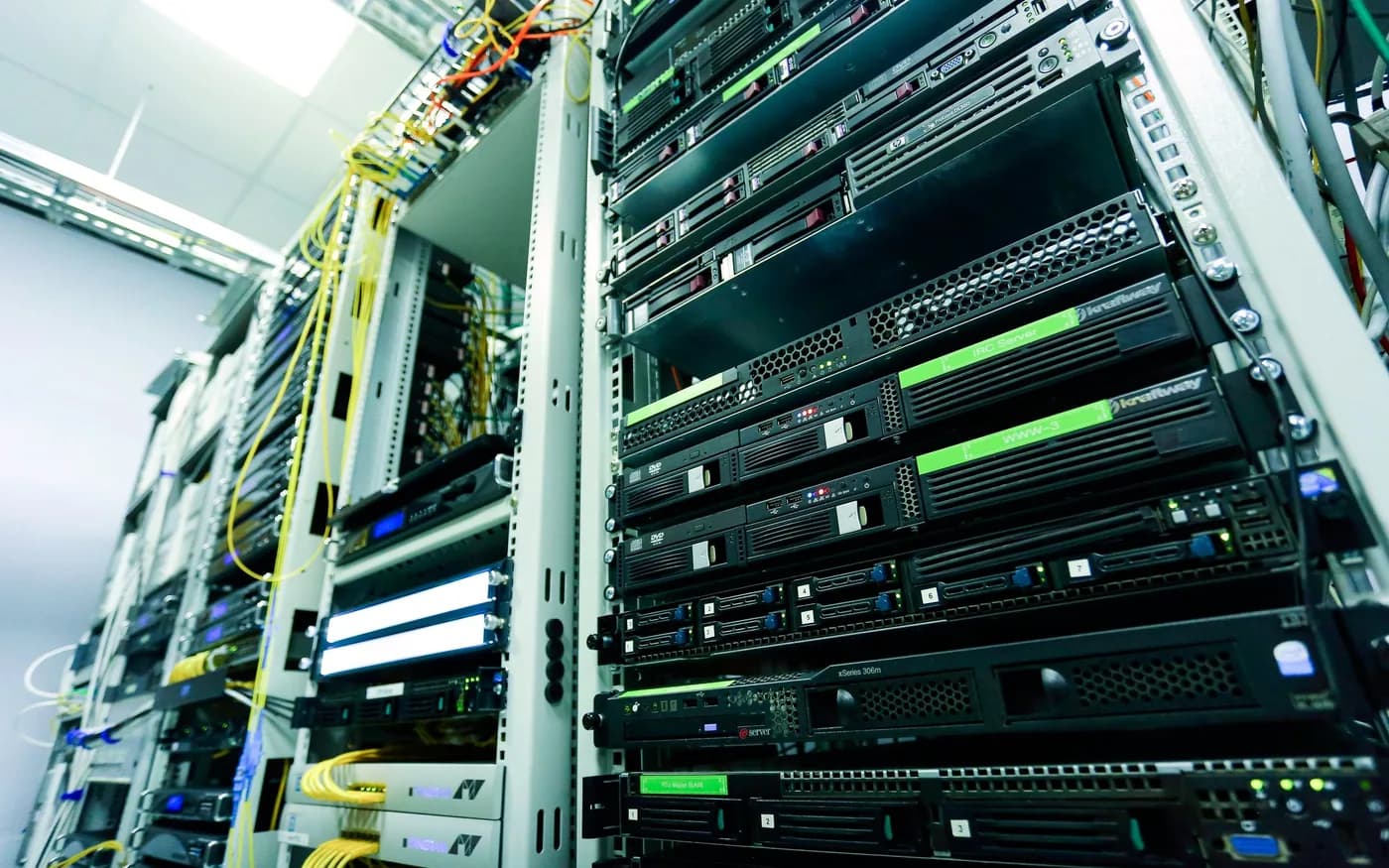
Choose a secure, ventilated and accessible location for routers, switches, network storage and any on-premises server. Plan appropriate battery-backed power for critical equipment and avoid placing all networking gear on an easily switched-off outlet.
Separate authorized business devices from guest access. Consider wired connections for fixed equipment that benefits from stability, then design wireless coverage around how staff actually move through the building. An access point near the reception desk may not provide dependable connectivity in every operatory behind dense walls or equipment.
Decide how data and identities will move
If the practice is moving from an existing office, a new system may need patient schedules, databases, imaging stores, document centers and user accounts transferred. Before migration, document the source and target, who can authorize access, and which vendor can confirm application-level consistency.
Schedule a backup and an agreed cutover window. Decide which records can stay read-only for reference, how staff will log in on the first morning and what happens if the migration takes longer than expected. Do not assume that copying an application folder is the same as migrating a supported database.
Make vendors part of one opening schedule
Build a single contact list with the internet provider, electrical and cabling teams, practice-management vendor, imaging company, phone provider, IT team and equipment installers. Record who brings hardware, who supplies licenses and who can make final configuration changes.
A short coordination meeting can reveal conflicts that are hard to fix on installation day. For example, an imaging vendor may require the central database to be online before it can test the capture stations; the IT team may need software details before creating firewall rules. Treat assumptions as questions until the responsible vendor answers them.
Run a realistic opening-day test
Before the first scheduled patient, walk through a routine visit with test accounts and approved nonpatient information. Confirm that scheduling works, images capture and open where expected, printers and scanners respond, staff can use phones and the backup process is running. Test a guest connection separately from clinical network access.
Write down any workaround used during testing. A workaround that depends on one technician remembering a secret step is not an opening-day plan.
- Log in as front-desk and clinical users with appropriate permissions.
- Open approved test charts and verify the correct imaging bridge.
- Test all room printers, network drops and guest access.
- Confirm external internet and vendor remote-support arrangements.
- Locate network documentation, backup contacts and recovery instructions.
Build in time for the unknown
A good opening plan allows a buffer between equipment installation, application testing and patient appointments. Not everything needs to be perfect on day one, but anything essential to safe clinical and business operations needs a clear acceptance check. The earlier IT joins the planning conversation, the more options the practice keeps.
For guidance specific to your systems, explore dental office setup and it support .
Further reading from trusted sources
Illustrative photography by Daniel Frank on Pexels . Images do not depict Arbor Computers clients or employees.