A backup report that says “successful” can be reassuring. It answers an important question: did the backup process run? It does not answer the question the office will ask after a server failure or ransomware incident: can we recover the right information in time to keep caring for patients?
Backup and recovery are different jobs
A backup is a protected copy of data or a system. Recovery is the work of using that copy to put an application, computer or entire workflow back into service. The distinction matters because restoring files is not always the same as restoring a usable practice-management system.
A dental office may depend on a database, imaging store, document repository, application license and several network services working together. A backup might contain the database but not the configuration needed to bring the software online. Start by identifying the systems people actually need for appointments, imaging, billing and communication.
Inventory every place important information lives
Walk through a patient visit and a business day. Record where schedules, electronic patient information, imaging files, scanned documents, accounting data and critical vendor settings live. Include local servers, workstations, network storage and the cloud services that hold practice information.
Cloud applications do not all provide the same deletion recovery or backup options. Read the provider's actual terms, retention settings and export capabilities. A synced copy of a corrupted or deleted file may sync the problem as well. Assign an owner to every data set rather than assuming one program backs up everything.
- Record the location and owner of each critical data set.
- Understand what a vendor backs up and what your practice must protect.
- Document how encryption keys and recovery credentials are stored securely.
Decide what must return first
Two useful planning measures are recovery point objective (RPO) and recovery time objective (RTO). RPO asks how much recent data the office could tolerate losing. RTO asks how long a system can remain unavailable. Both should reflect real patient-care and business consequences, not an arbitrary promise on a sales sheet.
For example, schedule access may be needed before less urgent archived reports. Imaging availability could be critical to same-day treatment, while some administrative tasks can wait. Put those priorities in writing and revisit them when the practice changes software or adds a location.
Protect copies from the problem they are meant to solve
Ransomware, stolen credentials, accidental deletion and hardware damage threaten backups as well as primary systems. Consider copies that are isolated or protected from routine administrator changes, appropriate retention periods and access restrictions. Monitor failed jobs and unusual backup activity; do not give the same broad credentials to every tool without a reason.
Security also depends on the people and process around the technology. Know who can authorize a restore, who communicates with the software vendor, and which devices must be checked for malware before recovered data is reconnected.
Run restore tests with realistic questions
A good test retrieves meaningful files or starts a representative recovery environment and verifies that the information is readable. For a database-driven application, coordinate with the vendor on a supported consistency and restoration method. You may need to validate application login, patient lookup, document access and image retrieval in a safely isolated test setup.
Log when the test happened, which backup was used, how long it took, who confirmed the result and what did not work. Fix gaps while the office is operational. Keep the test safely separated from live patient care and never publish sample patient data.
- Restore an approved sample and open it, rather than checking only file existence.
- Verify that the recovery runbook and administrator contacts are current.
- Confirm whether vendors, internet access and licensing are needed during restoration.
Understand the HIPAA contingency requirement
For covered dental practices, the HIPAA Security Rule includes contingency planning requirements for electronic protected health information, including backup and disaster recovery planning. HHS also emphasizes routine backup review and tested restorations. Exact safeguards depend on the practice's risk analysis and obligations; no backup product alone establishes HIPAA compliance.
Treat the plan as a living operational document. Update it after new imaging equipment, a server replacement, a cloud migration or staff changes.
A useful plan survives the uncomfortable questions
Ask the team what they would do if the main server were unavailable tomorrow morning. Who makes the call? Where is the recovery guide? What is the first safe system to restore? If those answers are clear—and a recent test supports them—your backup strategy is becoming a recovery strategy.
For guidance specific to your systems, talk through your backup and recovery priorities .
Further reading from trusted sources
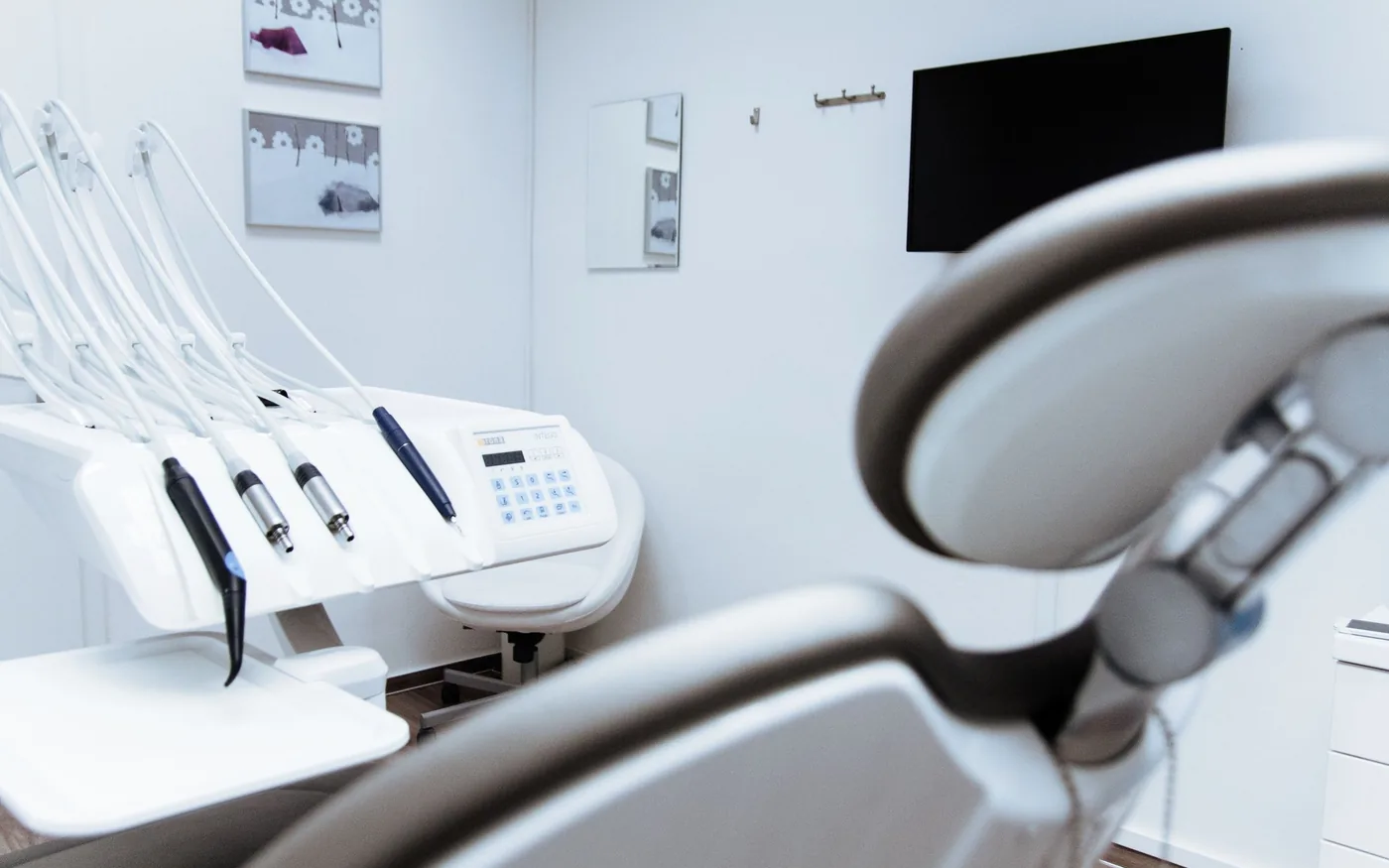
Illustrative photography by Sergei Starostin on Pexels . Images do not depict Arbor Computers clients or employees.