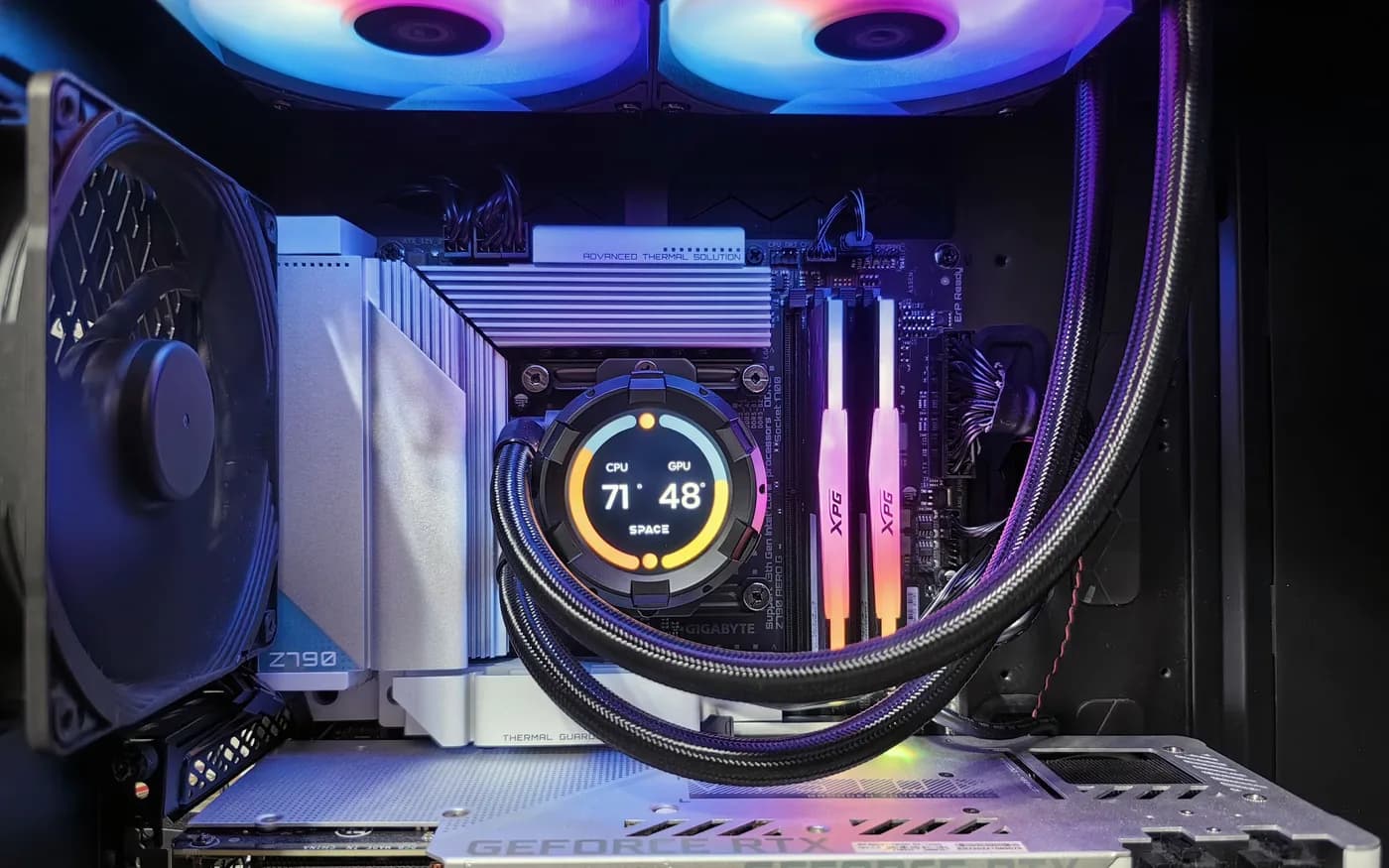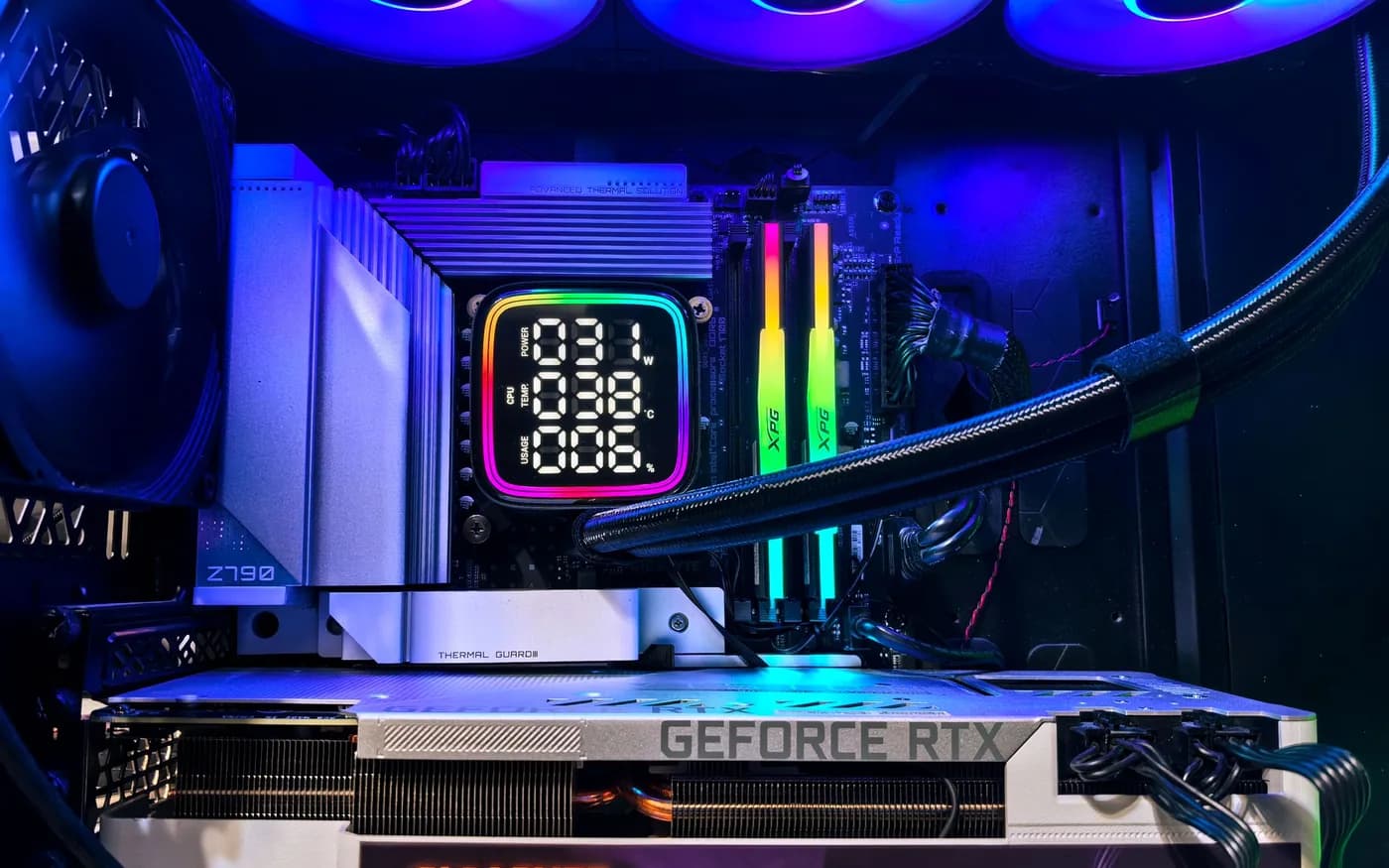
Lighting can personalize a gaming PC, but it cannot compensate for a mismatched CPU and GPU, insufficient cooling or an unstable power supply. A good build begins with the games you play, the display you use and how you want to upgrade later. Performance depends on the balance of the whole system, not one expensive part.
Pick a performance target you can describe
Write down target games, screen resolution, refresh rate and whether you stream, create content or run demanding background applications. A competitive high-frame-rate game may emphasize CPU performance; some visually demanding games at higher resolutions place more weight on the GPU. Buying the top card without considering the monitor can waste budget.
Balance CPU and graphics budget
Match processor and graphics capability to the target instead of chasing one benchmark number. Compare current performance in the games and settings you actually care about. Leave room for storage, memory, motherboard and reliable cooling. The money spent on an oversized CPU might be more useful for a better GPU or monitor in another build.
Plan memory and SSD capacity
Choose enough memory for games and simultaneous applications, and confirm supported configurations for the motherboard and processor. A fast SSD improves loading and day-to-day responsiveness, but capacity often matters more once several large games are installed. Keep backups for saves and personal data where the platform does not already provide a reliable copy.
Respect power delivery and physical fit
Use a suitable quality power supply with appropriate headroom and connectors. Check GPU length, case clearance, cooler height, radiator placement and cable space before purchasing. A high-power card may need airflow and support beyond what a compact decorative case provides. Avoid improvised adapters or mismatched cables.
Keep noise and temperatures realistic
Performance claims based on brief tests may not reflect long gaming sessions. Build an intake and exhaust path, use suitable fans and configure a reasonable acoustic balance. Liquid cooling is not automatically required; a well-selected air cooler may be sufficient for many processors. Plan maintenance access for dust filters and fans.
Build for the next change, too
Consider socket lifecycle, storage slots, USB and display connections, Wi-Fi needs, warranty access and whether the case allows future replacement parts. Test stability with the actual games and applications, document firmware settings and make a restore plan. A balanced PC should be enjoyable to use and straightforward to service after the novelty of RGB lighting fades.
Check compatibility before ordering parts
Confirm processor BIOS support, memory configuration, case and GPU clearances, cooling fit, storage slots and required front-panel connections. Decide early whether built-in Wi-Fi, Bluetooth or USB-C matters. Small compatibility oversights can force returns or compromises even when every part looks excellent in an online configurator.
Remember to budget for a suitable monitor, peripherals and software. Once assembled, test representative games, memory stability, temperatures and fan noise rather than relying on the system merely booting. Keep firmware and component details documented so troubleshooting or a later upgrade is straightforward.
For guidance specific to your systems, explore custom gaming pc builds .
Further reading from trusted sources
Illustrative photography by Andrey Matveev on Pexels . Images do not depict Arbor Computers clients or employees.