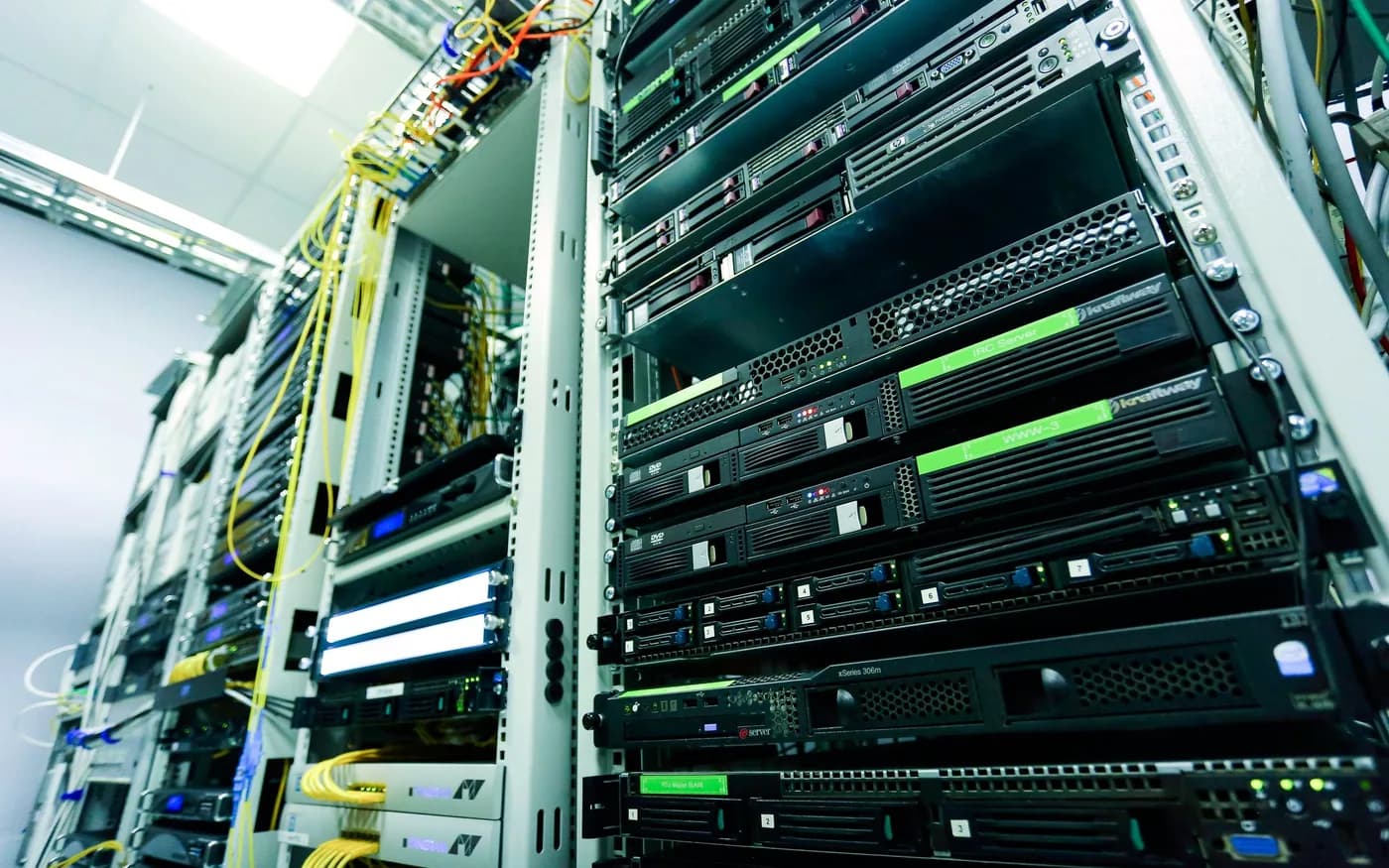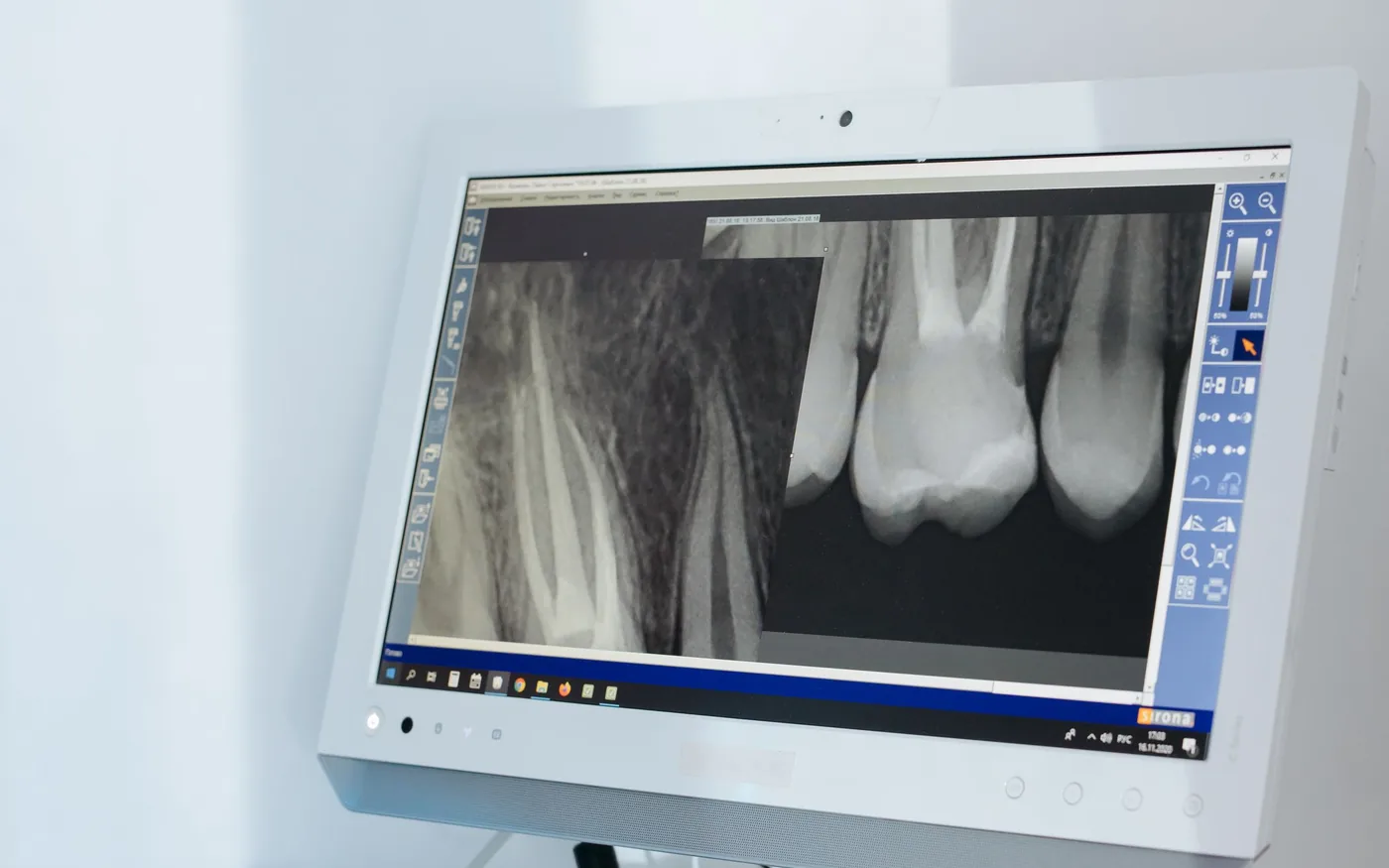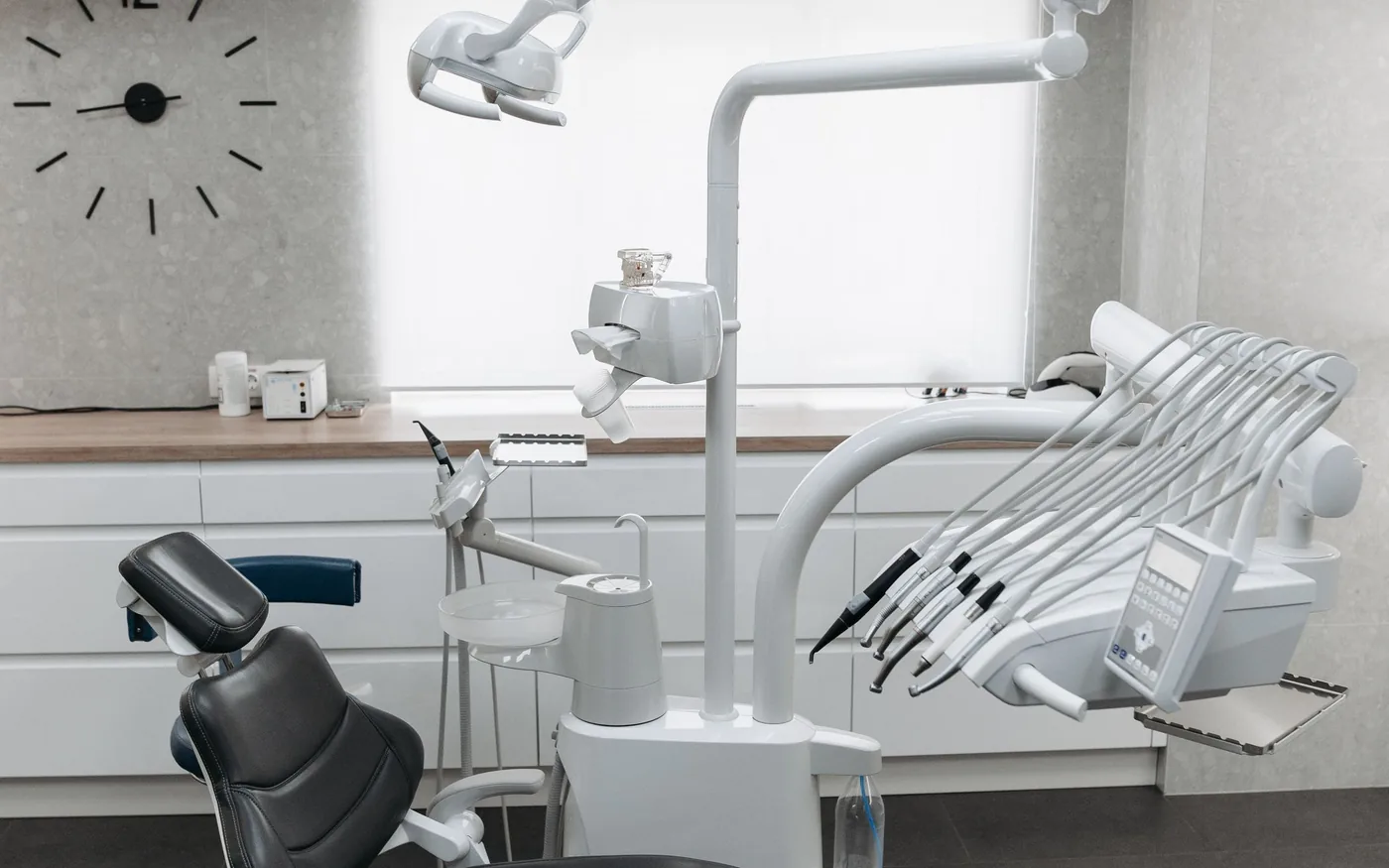
When dental systems stop responding during appointments, the right first action is not to reboot everything. The practice needs to know whether patient safety, records, phones or imaging are affected and who can authorize downtime procedures. A small rehearsed plan reduces confusion while technical staff diagnose the cause.
Triage without destroying evidence
Record the first error, time, affected rooms and systems. Determine whether this is one workstation, a shared application, a power problem or internet access. Designate one coordinator for updates and technical escalations. Repeated unsupervised restarts or cable changes by several people can obscure the cause and complicate safe recovery.
Prioritize clinical and business functions
List the tasks that matter first: urgent patient communication, scheduling, clinical chart access, imaging and treatment documentation. Clinical leaders should approve any temporary paper or offline process and how it is reconciled afterward. An outage is not permission to copy patient records into personal devices or unapproved messaging applications.
Keep vendor contacts outside failed systems
Print or securely store authorized contacts for the IT provider, software vendors, imaging manufacturer, internet carrier and privacy lead. Identify who can approve changes, access backup systems and authorize a pause in appointments. A well-written recovery guide on the failed server is not useful when staff cannot open it.
Separate failure from a security incident
A power outage, damaged drive and ransomware event require different actions. If compromise is suspected, follow the incident-response process and avoid reconnecting affected machines to active systems. Preserve logs and involve qualified responders when needed. If storage appears to be failing, avoid repeated write-heavy experiments that could reduce recoverability.
Verify recovery, not just backup status
Know which systems must return together and what backups can be restored. A dashboard showing successful jobs does not prove that databases, imaging and applications will operate afterward. Follow the documented recovery priority list and verify representative clinical workflows before saying the office is back to normal.
Practice realistic scenarios
Ask staff what they would do if scheduling were unavailable at the first appointment or the primary ISP failed at lunchtime. Note missing contacts and unclear responsibilities, then improve the plan. Repeat after server replacements, vendor changes or office expansions. Honest drills are more useful than recovery promises never tested.
Keep an actionable one-page version
The first page should name the incident coordinator, key vendor contacts, essential workflows and who can authorize restoration or shutdown. Make it available to approved staff even if email or the server is down. Include a separate decision point for suspected ransomware, since restoring or reconnecting devices too early can create additional risk.
After service returns, assign responsibility for reconciling information recorded during downtime. Verify appointments, clinical documentation, imaging and billing as appropriate. Update the checklist using what the team learned and rehearse it when staff, clinical applications or office infrastructure change.
For guidance specific to your systems, explore the related arbor computers service .
Further reading from trusted sources
Illustrative photography by Pavel Danilyuk on Pexels . Images do not depict Arbor Computers clients or employees.